

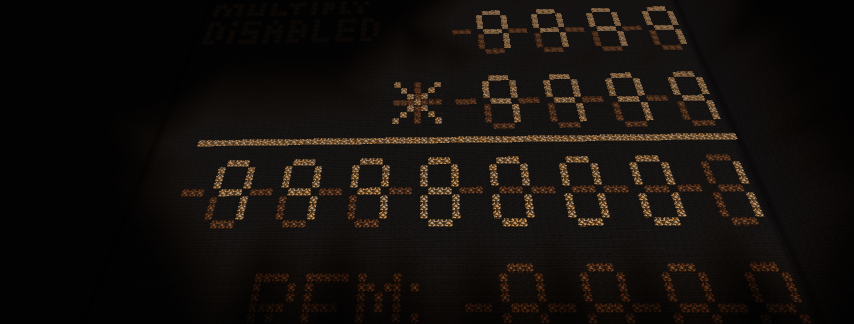
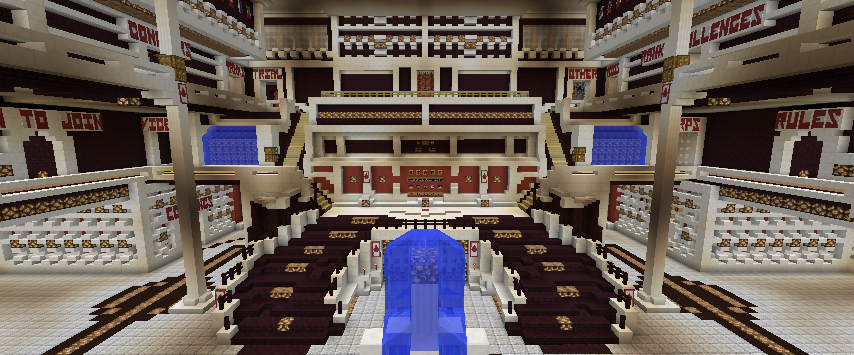

My Machine is a reprogrammable sequential combination lock that is infinitely expandable. If the top of the machine's copper bulbs are on it is in reprogram mode. In reprogram mode you can press buttons on the keypad that will make up the password. However your inputs will not go through if you do not wait for the lamps on the ceiling to go on and off it is spam proofing. You can enter in a code pressing one of the 15 digits of any size up to 32. That 32 can be expanded easily due to my creations design logic. In reprogram mode you can also push a button on lime wool which will reset the programmed in code. It is essential to do so when reprogram mode unless you want to add to the last programmed in code. Reprogram mode is only accessible when the last correct code is inputted(when you get there you shouldn't have to worry about that I set it to reprogram mode but if someone messes with it you will have to click the yellow wool button to reset the current put in combination, check the SS strength in the white memory cells and input that code(when you see lamps on top go on wait for a little after they turn off you can input another digit of the code it is a spam proofing mechanism))(SS strength in code goes like this top row 1-5 right, middle row 6-10 right, bottom row 11-15 right). To activate reprogram mode after correct code inputted click the cyan wool button and you will see the copper bulbs go on if it wasn't in reprogram mode already. If you dissengage reprogram mode with no programmed in version you can click the cyan wool button to activate it again. Here is an example of what you could do: Make sure copper bulb lights are not on. Put in correct code. Click cyan wool button to go to reprogram mode. Click lime wool button to reset programmed in combinations Enter code: 1 15 2 5 6 9 13 7 Click cyan wool button to turn of reprogram mode. Click yellow wool button to ensure code inputting is reset. Input code 1 15 2 5 6 9 13 7 which you programmed in. Remember to wait for the top light spam proofing to go on and off after each digit of the code is inputted. If you don't it will not go through. After you input the code in you should see the door open. Reprogramming Successful! After that you may access reprogram mode again. You will see the copper bulbs go on as confirmation of reprogram mode on after you hit the cyan wool button. Say instead of this time making a new code you wanted to add 1 1 1 to your previous code. All you need to do is NOT TO PRESS THE LIME WOOL BUTTON and type in 1 1 1 waiting for the spam proofing. If you followed the example above your new code will now be: 1 15 2 5 6 9 13 7 1 1 1 Dissengage reprogram mode by clicking cyan wool button after that. Click yellow wool button to reset code input just in case but it should've reset by itself. Just a backup system in case something doesn't work it will fix all. Then input your code 1 15 2 5 6 9 13 7 1 1 1 and you will see the iron door open again and reprogram mode available to activate again. However let's say you inputted in 1 15 2 5 6 9 13 7 1 1 and then on the last digit you did 15 instead of 1. The Inputted code will reset itself automatically leaving you to type in the correct code this time around. This feature prevents brute force hacking attacks by making the input sequence sequential with a reset if something inputted incorrectly. You may say but that doesn't stop it you could press so much and eventually get the code- and yes that is true but there over a quintillion quintillion possible programmed in combinations so the sun will blow up before you crack a long programmed in combination due to the spam proofing. Furthermore if you spam everything some stuff may be messed up but the door will not open and it will all be fixed by a yellow reset button. Spamming will not disrupt the programmed in code memory cells. This is fairly confusing to use see amount of text above :) so feel free to ask me to show you it out in person if you see me in game in case you are super confused. Before that if you are confused try to follow the example exactly. I assure you that my redstone works fully. If you at some point think otherwise check that you did the steps above when reprogramming and inputting like resetting new code resseting input code and making sure you go to reprogram mode and exit out of it by pressing cyan button again when done. If it still doesn't work please tell me if you see me in game and tell me exactly what you did so I can reproduce the circumstances and check out what the problem is. :)
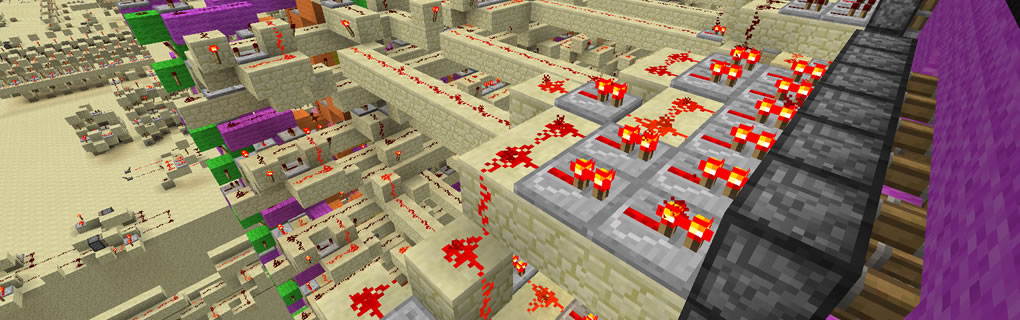
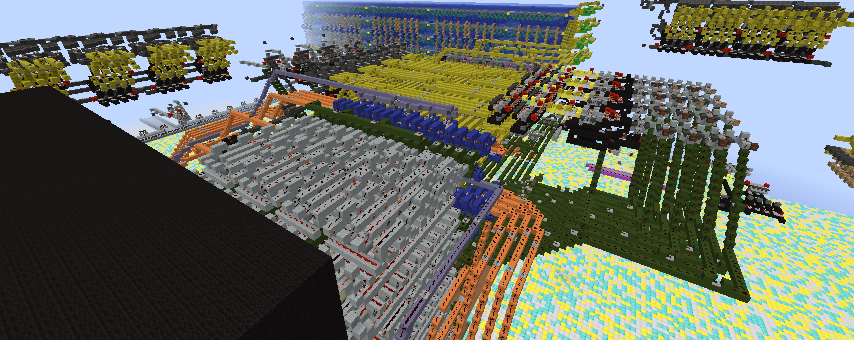
Color Coding Key:
White: Memory Cells With Reset
Red: Memory Cell Reprogram Order Pulse Counter With Reset
Lime: Reprogram Reset only if reprogram mode on connects to White Memory Cell Reset And Red Memory Cell Reprogram Order Reset
Yellow: Memory Cell Pulse Counter loader
Yellow Button Action: Lock input reset from current progress connects to Yellow Pulse Counter Loader Reset
Purple: Looping Lock Circuit With Unlock when correct input
Orange: Keypad to ss decoder and travel. Also main room color
Brown: spam proofing which shows with lights on top
Cyan: Reprogram mode if correct password inputted shows if on with copper bulbs on top.
Pink: Correct Code Detection Which opens iron door
Here is how my machine works. When Reprogram Mode Is Activated After Correct Code Entered a signal will be sent to switch the comparator signal flow from the orange section to the white section instead of the purple section also copper bulbs the ceiling will be on when reprogramming mode is on to visually notify you that it is on. When a digit is entered it will go through the white section lodging itself in one of the memory cells then it will activate the pulse counter which will take out input flow from the memory cell that was activated to the next memory cell. This will go on and on and on up to 32 digits which is currently how far I have my logic expanded. The logic can be expanded to many more digits than that. If the lime wool is activated during reprogram mode being on, it will connect to the white memory cell reset and red memory cell reprogram order reset. In simpler terms it will reset the program memory and a new input will start again at the first memory cell. When Reprogram Mode is dissengaged input flow from the orange section will switch from the white memory cells to the purple section. The purple section is a looping redstone signal which will stop at every loop to wait for an ss checker to compare two signals one from the "programmed" memory cells to the one from the keypad. This checks if a digit in the code is correct. If it is a signal is sent to the yellow memory cell pulse counter loader to switch the ss memory cell that is currently on to the next one. Effectively making it the next digit in the code. If the input to the ss checker is incorrect a reset signal is sent to the yellow memory cell pulse counter to bring the ss memory cell back to square one - the start of the passcode. When you get every digit right, the signal from the ss memory cells will cease opening the door next to you through a pink section and allowing you to reprogram the code again. Then you can reprogram it again either starting from the last code or creating a fully new code by pressing lime wool button when reprogram mode is on. In case you need to reset the inputted code press the yellow wool button. You may ask how does this all function fast enough to prevent multiple signals coming in super fast and overloading the system. It doesn't. I use a brown section spam proof mechanism to prevent that. You will be notified when spam proof is on when the light on the ceiling goes on and then off after you press a digit. During that time no inputs will go through so always remember to wait for the spam proofing.
Comments
Credit
Credit to RitzKid76 for helping me debug a spam hacking problem.
Spam Proofing
Spam Proofing has been made more efficient. It had bugs before.
Bugs
Several Other bugs found and fixed. Credit to RitzKid76 again for finding the bugs.
Problems
Problems have arrived. I will post another comment when they are fixed. Please do not review before then. They will be fixed shortly.
Fixed
Everything has been fixed. Spam proofing fully works now!
Approved
Goodbye Tinkerer, and hello Regular B)