


can do very cool stuff, a 8bit one, can calculate up to 255 per number, supports + - * / but the * is in problem and still debugging more/anti spam
can calculate 20/3 and easier stuff, jsut dont trust it that much im just a learner
uses ALU to calculate, and please EXPECT some bugs, if there aren't any then that's not my build, i didn't use worlddit or ANY tools execpt woeshbackup
the best part is it can do / which is kinda hard to perform using ALUs
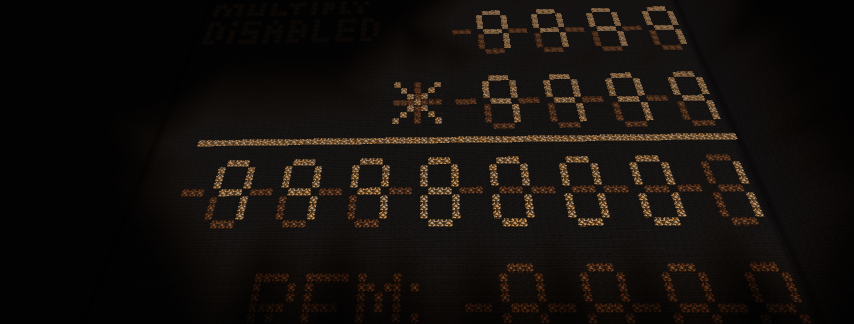
there is the screen, the core and the panel.
A. Panel:
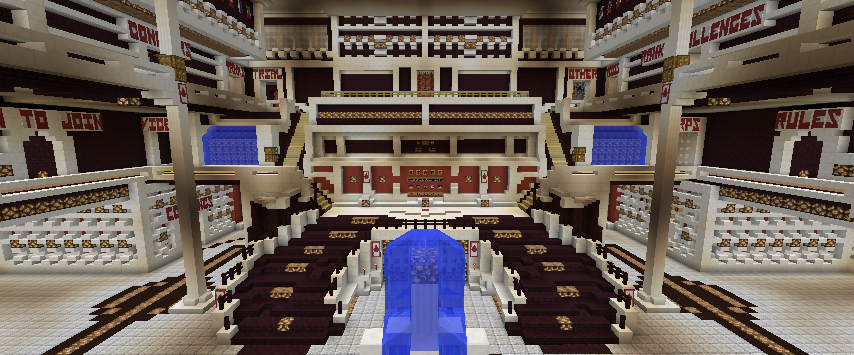
there are any buttons here which i use signs to tell you abt it, a keypad, a type selector and a clear section
steps to use:
1. You must clear the screen first, head to the clean section and click clean all button which is top left
2. use the lever (selector) to select which number you are changing (up = first, down = 2nd)
3. use the keypad to change the number, which is
1 2 3
4 5 6
7 8 9
0
would be familiar if you use arduino or nokia stuff
4. repeat step 3 for the other number
5. head to the execute section, which is add, subtract, multiply, or division
currently, add and subtract or division is okay, but multiply is not okay, i will fix as soon as possible
You must get all 2 number before trying, and i wish you dont try a division by 0, it will make a loop like the very old calculator
note:
add: 15s max (normally 5-10s)
mult: optimize and fixing
divide: 30s max
subtract: 15smax (normaly it shall be only 5-10s)
B. Screen: Okay you dont need to read this, it's your eyes.
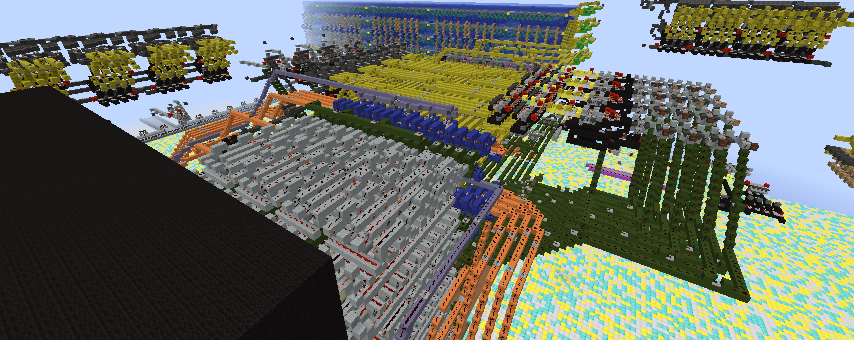
C. THE CPU!
1. der register: we got blue and cyan, orage and yellow for registering numbers, and they are placed very near the data buses to extract numbers easily
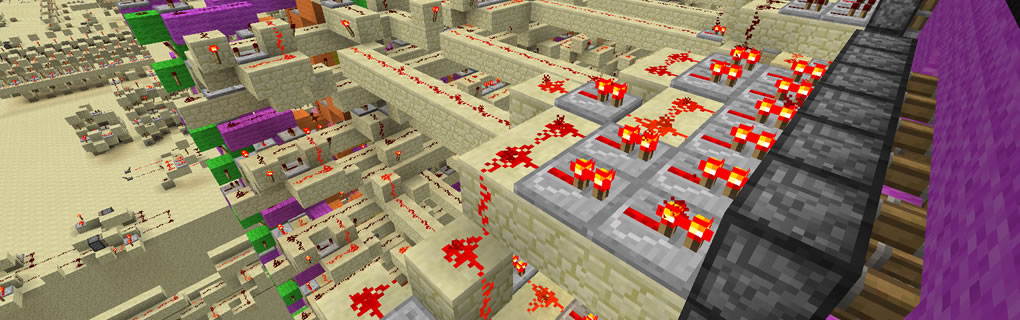
2. Databus and control lines: it's just redstone and repeaters tbh
3. ALU: Arithethem Logic Unit (bro my english bad) purple, grey, green, and pink, you might notice the pink part may loop bc it's division part!
4. Prog counter and ROM: Black and Grey kinda diffrent
5. Screen: i use 3 target blocks to display a "-" or a "|" which is used like normal calculator
Comments
Temporarily denied
This creation has a lot of similarity (it is identical) with a calculator that can be found on YouTube.
We need you to to explain (in-game) how everything works, why you designed it this way. Or if it is a copy, what you changed to make it your own.